

Explaining modern education spaces is tricky. Campuses have classrooms, labs, libraries, workshops, and activity areas. Students move around, teachers demonstrate, and learning happens across multiple spaces. Photos or text alone don’t show the full experience. This is where VR education tours help.
A VR education tour lets students, parents, and teachers explore the campus digitally. They can walk around classrooms, check labs, or explore a skill training setup. It removes guesswork about space, layout, and facilities.
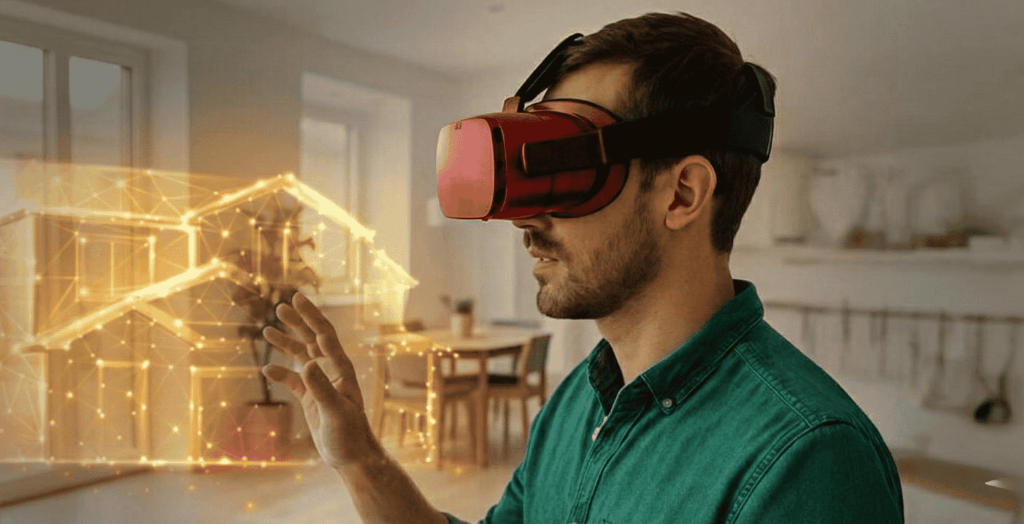
What Is a VR Education Tour?
A VR education tour is an interactive walkthrough of a school, college, or university created using virtual reality. Users can:
Move freely between areas
Look around 360°
Pause or revisit sections at their own pace
It feels closer to an in-person visit than a regular video or photos.
These tours are commonly used for:
Skill training workshops
Virtual classroom demonstrations
Laboratory simulations
Campus familiarization for new students
Why Schools and Colleges Use VR Tours
Education teams use VR tours because:
Not all students or parents can visit physically
Repeated explanations take time
Labs and workshops are limited in space
Skill demonstrations can be complex or costly
VR ensures a consistent experience for everyone
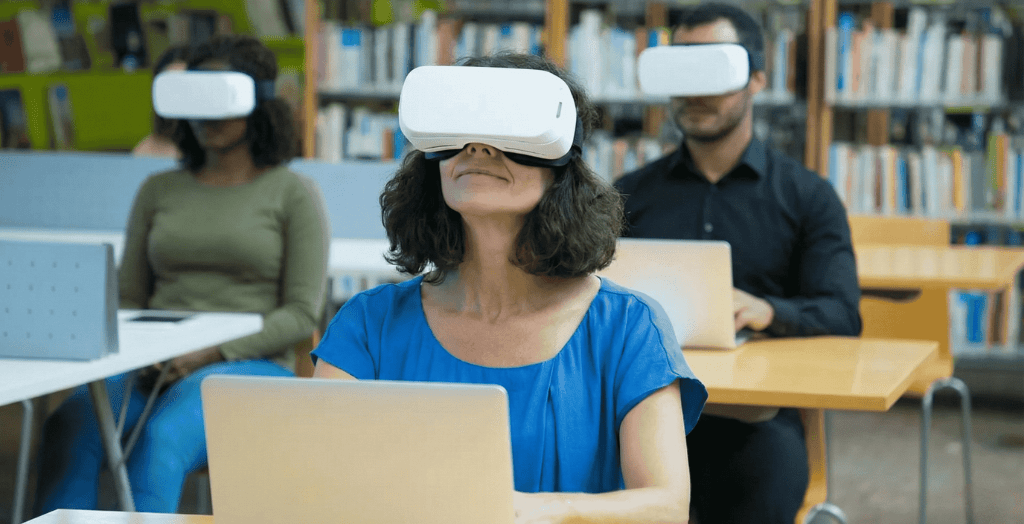
Areas Covered in a VR Education Tour
Depending on the institution, common areas include:
Main entrance and reception
Classrooms and lecture halls
Computer and science labs
Libraries and study zones
Sports and activity areas
Hostels or residential facilities
Restricted or sensitive areas can be skipped
How a VR Education Tour Is Created
Step 1: Understanding the Campus
Identify key areas
Decide which facilities and skills need emphasis
Plan the order of movement for the tour
Step 2: Capturing VR Content
360° images or videos are recorded
Keep camera stable and at natural height
Ensure proper lighting and minimal distractions
Step 3: Linking Spaces
Create smooth navigation points
Connect areas logically
Users should feel like walking, not clicking
Step 4: Adding Information
Optional labels for rooms, equipment, or instructions
Keep text short to avoid distraction
Step 5: Reviewing the Tour
Check navigation, clarity, and flow
Test on desktop, mobile, and VR devices
Step 6: Sharing and Using
Share via links or integrated platforms
Useful for student orientation, skill demonstrations, or online presentations
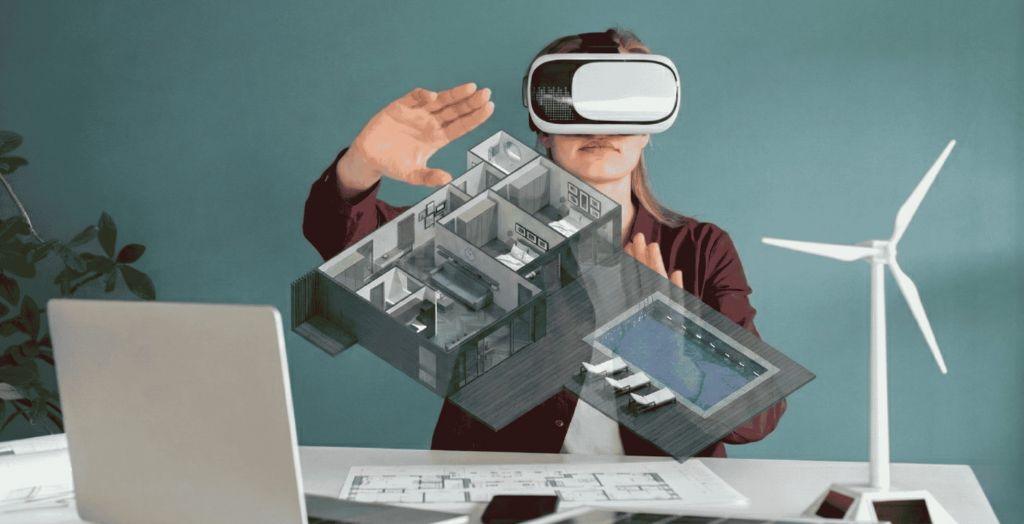
Benefits
Reduces physical visits
Improves understanding of campus and labs
Safe way to demonstrate skills
Saves time for staff and students
Consistent and repeatable experience
Who Uses It
Students and parents
Admission teams
Teachers and trainers
Marketing and outreach teams
Skill training coordinators
VR education tours make learning spaces accessible to everyone. They combine immersive visuals with practical guidance, making campuses and skill areas easier to understand, even from a distance.
FAQs
A VR education tour is an immersive 360° tour of a school, college, or university. It allows students, parents, and teachers to explore classrooms, labs, libraries, workshops, and skill training areas virtually. With a 360° walkthrough, users can turn around, move between sections, and experience the campus almost as if visiting in person.
Using VR or 360° cameras, the campus is captured from multiple angles. Images or videos are stitched together to create a 360° interactive tour, allowing users to navigate, pause, and revisit areas like classrooms, labs, or activity zones. This gives a more complete understanding than photos or traditional videos.
A VR campus or school tour can include:
- Main entrance and reception
- Classrooms and lecture halls
- Computer, science, and language labs
- Libraries and study zones
- Sports and activity areas
- Hostels or residential facilities
Restricted or sensitive areas can be excluded while keeping the 360° tour immersive.
Schools and universities use 360° VR tours to:
- Reduce the need for physical visits across Indian states like Maharashtra, Delhi, Karnataka, Tamil Nadu, Gujarat, and West Bengal
- Provide consistent demonstrations for labs, workshops, or skill training
- Showcase campuses to students, parents, and stakeholders remotely
- Save time for admission teams and trainers
Offer a safe, engaging learning experience
Not completely. VR education tours provide a realistic 360° walkthrough but cannot fully replace hands-on experiences. They are best used as a support tool to familiarize users with facilities, courses, and skills.
- Students exploring campuses remotely
- Parents evaluating schools or universities
- Teachers and trainers demonstrating skills or labs
- Admission teams across India
- Marketing and outreach teams showcasing campuses via 360° tours
Skill training coordinators
Steps include:
- Understanding the campus layout and key areas
- Capturing 360° images or videos with stable cameras and proper lighting
- Linking spaces for smooth navigation, creating a natural 360° tour
- Adding optional labels for rooms, labs, or instructions
- Reviewing the tour for usability on desktop, mobile, and VR devices
Sharing the tour via links or integrated platforms
Yes. VR campus tours are compatible with desktops, laptops, tablets, and smartphones. Students and parents across all Indian states can access the 360° walkthrough anytime without visiting physically.
Absolutely. VR and 360° tours allow trainers to simulate lab experiments, workshop exercises, and skill practices virtually, providing a safe and repeatable learning experience for students.
Yes. When classrooms, labs, or workshops are updated, new images can be captured and integrated into the 360° tour, keeping it current and accurate.
Yes. A 360° campus tour helps new students familiarize themselves with the school or college layout, labs, libraries, hostels, and activity areas, saving time and enhancing engagement.
Yes. Institutions across India—including Maharashtra, Delhi, Karnataka, Tamil Nadu, Gujarat, West Bengal, Punjab, Telangana, Andhra Pradesh, Rajasthan, Kerala, Uttar Pradesh, and Odisha—can implement VR education tours to showcase campuses and skill labs remotely.
Absolutely. 360° tours provide immersive learning for new employees to understand workflows, machinery, and safety protocols before stepping onto the shop floor.
Clients and auditors can use the 360° walkthrough to explore facilities remotely, understanding processes, layouts, and operations in detail. This reduces travel costs and ensures clear communication.
We got powerful computers and laptops to play the latest VR games which can process and render it smoothly.
We take approximately 20-30 minutes for the setup, considering the electricity line, the internet if needed is provided where the setup is to take place.
We provide a wide range of VR games available in the games store to suit your needs, moreover, if you have any specific game requirement from the games store that you want to have fun with then we can provide the same for you at extra cost.
Yes, we provide 360 shoots and 360 live streaming along with the setup in VR devices for events, music and entertainment, fashion shows, sports, and more.
Yes, we sell devices. We have almost every VR devices in store for you. Even if your requirement is not in the store with us, then we arrange the same for you.
Yes, VR is also commonly used for training that includes corporate training, medical studies, military training, driving schools, training airline pilots, and many more.
We provide Kinect, Xbox, PlayStation 4, and many more. We make sure to take your gaming and entertainment experience to another level in amazing ways.