
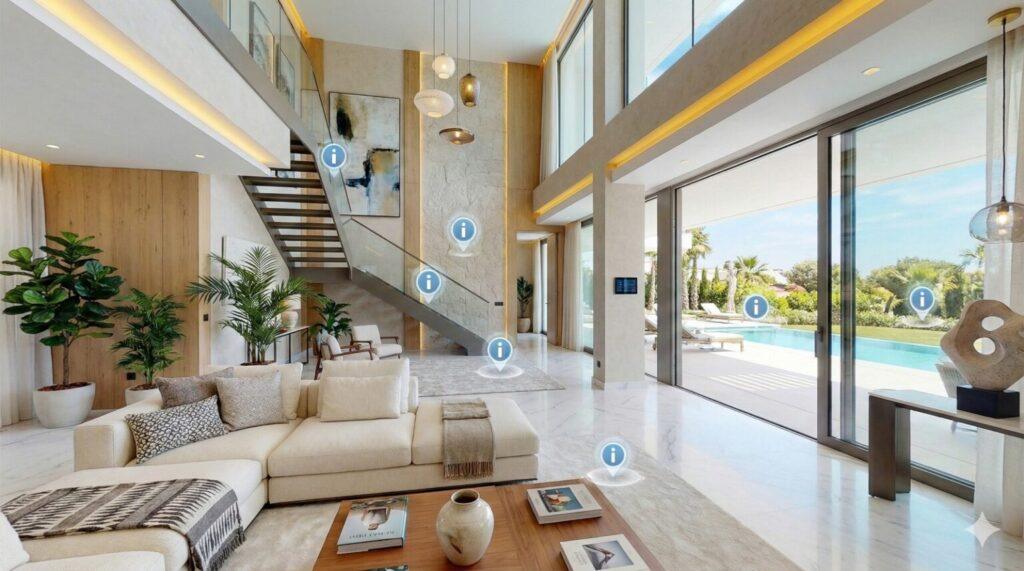
Big campuses are confusing. Seriously. You walk into a school or college and there are buildings everywhere. Classrooms, labs, libraries, cafeterias, sports grounds — and people moving all the time. Just looking at photos? Doesn’t work. Text? Forget it. You don’t feel the place.
That’s why 360° campus tours are awesome. You can actually walk around — online. Move from building to building, look left, right, up, down. You see the layout, the classrooms, the labs, even the small corners most photos miss.
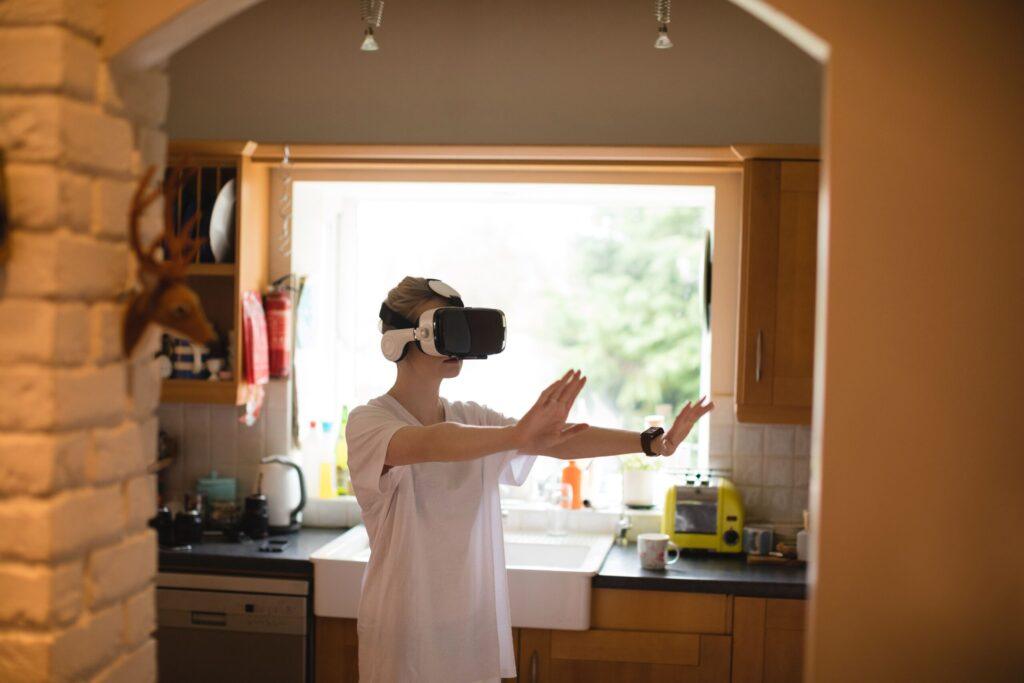
What’s a 360° Campus Image Tour?
It’s basically a virtual walk through. Not a video, not just some photos. You choose where to go and where to look.
You can:
Walk through classrooms, labs, libraries
Check out the sports grounds, activity areas, cafeterias
Look around halls and corridors
People usually use these tours for:
New student orientations
Parents who can’t visit in person
Admissions and campus introduction
Why Schools Use Them
No need for endless visits
Complex layouts make sense now
Shows labs, computer centers, workshops clearly
Everyone gets the same view, no confusion
Areas You Usually See
Entrance and reception
Classrooms and lecture halls
Science and computer labs
Library, seminar halls, study zones
Cafeteria, hostels, student zones
How It’s Made
Step 1: Plan the tour
Decide what’s important. Which buildings, which labs, which classrooms.
Step 2: Take 360° photos
Go to each area and capture panoramic shots. Make sure it’s clear, not blurry, people in the background are okay or not depending on privacy.
Step 3: Connect them
Stitch the images so people can walk around naturally. Make navigation easy.
Step 4: Add notes
Tiny labels like “Lab 101” or “Chemistry Lab” so people know where they are.
Step 5: Test it
Click through like a user. Make sure it feels smooth. No weird jumps or broken links.
Step 6: Share
Send the link to students, parents, staff. Use it for orientation, admissions, or even online presentations.
Why It Helps
Explore campus without leaving home
Understand layout and facilities
Check labs or workshops safely
Save time for everyone
Gives a real feel, better than photos or brochures
Who Uses It
Students and parents
Teachers, trainers, lab instructors
Admin staff
Admission teams
360° image tours make huge campuses feel smaller and easier to understand. You see classrooms, labs, and halls clearly. You know the flow. You feel like you are there.
It’s simple, practical, and makes orientation and admissions way easier. And honestly, it’s fun to just explore online too.
FAQs
A 360° campus tour is an interactive 360° walkthrough of a school, college, or university. Users can move between classrooms, labs, libraries, and activity areas virtually, getting a realistic feel of the campus without visiting in person.
360° tours are created using panoramic images or videos. Each area is captured with a 360° camera and stitched together to form a smooth 360° walkthrough, letting users explore freely, turn around, and move from one section to another.
Common areas include main gates, reception, classrooms, lecture halls, science and computer labs, libraries, study zones, workshops, skill training areas, sports facilities, hostels, and cafeterias. Restricted or sensitive areas can be excluded while keeping the 360° tour immersive.
- Allow students and parents to explore campuses remotely
- Reduce multiple physical visits across Indian states like Maharashtra, Delhi, Tamil Nadu, Karnataka, West Bengal, Gujarat, Punjab, and Kerala
- Provide consistent orientation and skill training experiences
- Offer safe exploration of labs and workshops
Save time and effort for staff and students
No. While 360° tours provide a realistic virtual experience, hands-on practice, personal interaction, and campus feel cannot be fully replaced. They are best used as a supportive tool for orientation, admissions, or online learning.
- Students exploring campuses remotely
- Parents assessing schools or universities
- Teachers, trainers, and lab instructors
- Admission and orientation teams
Distance learning and skill training coordinators
Steps include planning which areas to cover, capturing 360° images, stitching them for smooth navigation, adding brief labels (e.g., “Lab 101”), testing navigation for usability, and sharing links for students, parents, and staff to explore virtually.
Yes. 360° campus tours work on smartphones, tablets, laptops, and desktops, making them accessible to students, parents, and educators across all Indian states at any time.
Yes. New 360° images can be captured whenever classrooms, labs, or workshops are updated, keeping the virtual tour accurate and current.
Absolutely. They allow students to see lab setups, workshops, and equipment virtually, providing safe, repeatable practice opportunities through an immersive 360° walkthrough.
Yes. Schools, colleges, and universities in Maharashtra, Delhi, Karnataka, Tamil Nadu, Gujarat, West Bengal, Punjab, Andhra Pradesh, Telangana, Rajasthan, Kerala, Uttar Pradesh, and all other states can implement 360° tours to showcase campuses remotely.
360° campus tours allow new students to familiarize themselves with classrooms, labs, libraries, hostels, and sports areas. Parents and students can explore safely, reducing confusion and repeated explanations during orientation programs.
A 360° industrial walkthrough allows safety officers to identify risk zones, plan emergency exits, and conduct audits without entering hazardous areas.
Absolutely. 360° tours provide immersive learning for new employees to understand workflows, machinery, and safety protocols before stepping onto the shop floor.
Clients and auditors can use the 360° walkthrough to explore facilities remotely, understanding processes, layouts, and operations in detail. This reduces travel costs and ensures clear communication.
We got powerful computers and laptops to play the latest VR games which can process and render it smoothly.
We take approximately 20-30 minutes for the setup, considering the electricity line, the internet if needed is provided where the setup is to take place.
We provide a wide range of VR games available in the games store to suit your needs, moreover, if you have any specific game requirement from the games store that you want to have fun with then we can provide the same for you at extra cost.
Yes, we provide 360 shoots and 360 live streaming along with the setup in VR devices for events, music and entertainment, fashion shows, sports, and more.
Yes, we sell devices. We have almost every VR devices in store for you. Even if your requirement is not in the store with us, then we arrange the same for you.
Yes, VR is also commonly used for training that includes corporate training, medical studies, military training, driving schools, training airline pilots, and many more.
We provide Kinect, Xbox, PlayStation 4, and many more. We make sure to take your gaming and entertainment experience to another level in amazing ways.